
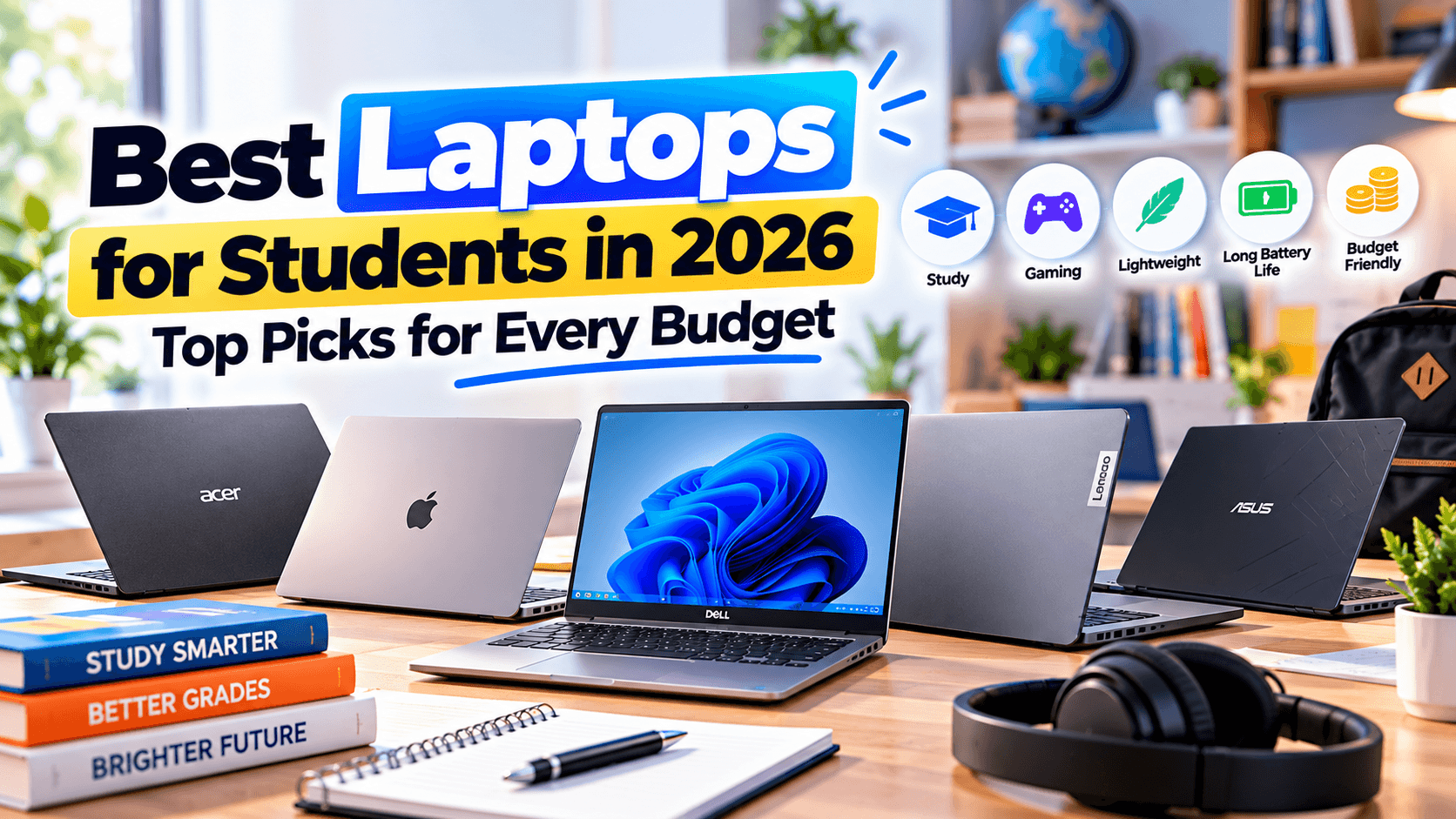
Best laptops for students 2026 range from lightweight ultrabooks to budget-friendly Chromebooks, and the right pick depends on your major more than your budget alone. If you write papers and browse the web, the Apple MacBook Air (M4) or a mid-range Windows machine will serve you well for years. Studying engineering, video editing, or CS? You’ll want more RAM, a faster processor, and possibly a dedicated GPU. Below, we break down the best options for every situation so you can choose with confidence.
Best Laptops for Students 2026: Quick Picks
- Best overall: Apple MacBook Air (M4)
- Best budget: Acer Swift 3 / Swift Go
- Best for programming: Lenovo ThinkPad X1 Carbon
- Best for creative majors: A laptop with a dedicated RTX-series GPU
- Best Chromebook: HP Chromebook (14-inch)
What to Look for in a Student Laptop
Before comparing specific models, it helps to know which specs actually matter for four years of coursework, and which are marketing noise.
Battery Life
Campus outlets are never guaranteed. Aim for a laptop rated at 10+ hours of real-world use so you can get through back-to-back classes and a library session without hunting for a charger. Apple Silicon MacBooks and newer Snapdragon-powered Windows laptops tend to lead here, often reaching 14-18 hours in light use.
Weight and Portability
If you’re carrying your laptop between lecture halls, the dorm, and the library, anything over 3.5 lbs starts to feel heavy in a backpack. Most 13-14 inch ultrabooks land between 2.5 and 3 lbs, which is the sweet spot for daily portability.
Processor and RAM
For general coursework (writing, research, browsing, video calls), 8GB of RAM and a mid-range processor (Intel Core i5, AMD Ryzen 5, or Apple’s base M-series chip) is plenty. Engineering, programming, and data science students should look for 16GB of RAM minimum, since IDEs, virtual machines, and multiple browser tabs add up fast.
Storage
256GB is the practical minimum in 2026, but 512GB gives you breathing room for software, project files, and offline media without constantly managing storage. Video and design students should aim for 512GB or more.
Best Overall Laptop for Students: Apple MacBook Air (M4)
The Apple MacBook Air continues to be the safest all-around pick for most students. It combines a sharp, color-accurate display, all-day battery life, and a fanless design that stays quiet during long study sessions. It’s an especially strong fit for humanities, business, and social science majors who write constantly and want a machine that will still feel fast in four years. The main trade-off is the Apple ecosystem: switching from Windows takes a short adjustment period, and some specialized Windows-only software (common in certain engineering and finance programs) won’t run natively.
Best Budget Laptop: Acer Swift 3 / Swift Go
For students who need real performance without a premium price tag, the Acer Swift series is hard to beat. Configurations with 16GB of RAM and a fast SSD handle coursework, coding, and everyday multitasking comfortably. It won’t turn heads with premium materials, but it holds its own for standard academic workloads and leaves budget left over for textbooks or software subscriptions.
Best Laptop for Programming and CS Students: Lenovo ThinkPad X1 Carbon
The ThinkPad X1 Carbon is a favorite among computer science students for good reason. It has one of the best keyboards in the industry for long coding sessions, strong Linux compatibility for students who dual-boot or run WSL, and a durable chassis built to survive years of use. Its modular design also means you can often upgrade RAM or storage later instead of replacing the whole machine.
Best Laptop for Creative and Design Majors
Film, design, and animation students need more graphics horsepower than the average laptop offers. Look for a laptop with a dedicated NVIDIA RTX-series GPU and at least 16GB of RAM; rendering and export times can drop significantly compared to laptops relying on integrated graphics alone. A 15-16 inch display with accurate color reproduction is also worth prioritizing if you’re doing photo or video work.
Best Chromebook for Students: HP Chromebook (14-inch)
If your coursework is mostly writing, research, and browser-based tools like Google Docs, a Chromebook can be the smartest purchase you make. They’re inexpensive, boot in seconds, rarely need maintenance, and typically get 12-14 hours of battery life. The trade-off is limited support for desktop software like Adobe Creative Cloud or specialized engineering tools, so they’re best as a secondary device or a primary machine only for non-technical majors.
How to Choose the Best Laptops for Students by Major
The best laptops for students are not the same for every degree. A literature student and a game design student need very different machines, so match the laptop to your coursework first and your budget second. Use this table as a shortcut:
| Major | What matters most | Suggested pick |
|---|---|---|
| Humanities, business, social sciences | Battery life, keyboard, portability | MacBook Air (M4) or a mid-range Windows ultrabook |
| Computer science and programming | 16GB RAM, comfortable keyboard, Linux support | Lenovo ThinkPad X1 Carbon |
| Engineering and data science | 16GB+ RAM, Windows software compatibility | Mid-range or premium Windows laptop |
| Film, design and animation | Dedicated RTX GPU, color-accurate 15-16 inch display | Laptop with an NVIDIA RTX-series GPU |
| Writing and browser-based coursework | Low price, long battery, simplicity | HP Chromebook (14-inch) |
Before buying, check your department’s software list. Some engineering and finance programs require Windows-only tools, which rules out a Mac or Chromebook no matter how good the best laptops for students look on paper.
How Much Should You Spend on a Student Laptop?
Most students spend somewhere between $600 and $1,200 on a laptop that will last through a degree. Here’s a simple way to think about the tiers:
- Under $400: Chromebooks and entry-level Windows laptops, best for writing and browsing only.
- $600-$900: Solid mid-range laptops (Acer Swift, HP Pavilion, base MacBook Air) that cover 90% of majors comfortably.
- $1,000-$1,500: Premium ultrabooks and laptops with dedicated GPUs for CS, engineering, and creative majors.
Common Student Laptop Buying Mistakes
Even with a good budget, it is easy to end up with the wrong laptop. Here are the mistakes that cause the most regret after the return window closes.
Buying Based on RAM Alone
16GB of RAM will not save a laptop with a slow eMMC drive instead of a real SSD. Storage speed affects everyday responsiveness (opening apps, saving files, booting up) just as much as RAM does, so check the drive type before comparing memory specs.
Ignoring the Keyboard and Trackpad
You will type on this keyboard for thousands of hours over a degree. A laptop that looks great on a spec sheet but has a mushy keyboard or an unresponsive trackpad becomes frustrating fast, especially for CS and writing-heavy majors. If possible, try the keyboard in person before buying, even if you plan to order online afterward.
Skipping the Extended Warranty on a Primary Device
If this laptop is your only computer for the next four years, an extended warranty or accidental damage protection plan is usually worth the cost. Spilled drinks and dropped bags are common enough on a campus that the math tends to work out, particularly for laptops in the $800+ range.
Overbuying for “Future Proofing”
It is tempting to buy the most powerful laptop available in case your major changes. In practice, laptop performance needs rarely jump dramatically unless you switch into a specifically GPU- or RAM-intensive field. Buy for the major you are in now, and reassess only if your coursework genuinely changes.
Frequently Asked Questions
Do I need 16GB of RAM as a student?
Only if you’re majoring in something RAM-intensive, like computer science, engineering, video editing, or data science. For general coursework, 8GB is still workable, though 16GB gives more headroom.
Is a Chromebook good enough for college?
Yes, if your work is mostly writing, research, and web-based apps. It’s not a good fit if your program requires desktop software like AutoCAD, MATLAB, or the Adobe Creative Suite.
Mac or Windows for students?
Both are solid choices. Mac tends to win on battery life and build quality; Windows wins on software compatibility and price flexibility, especially for majors that require specific Windows-only programs. If you already own a Windows laptop that feels sluggish, it’s worth trying these Windows 11 speed-up fixes before assuming you need to replace it.
What are the best laptops for students on a budget?
For students on a budget, the Acer Swift 3 or Swift Go offers the best balance of performance and price, especially in configurations with 16GB of RAM. If your coursework is almost entirely writing and web-based tools, a Chromebook under $400 is the cheapest of the best laptops for students that will still last through a degree.
How long should a student laptop last?
A well-chosen laptop should comfortably last 4-5 years of regular use. Prioritizing RAM and battery health upfront pays off more than chasing the newest processor generation.
Conclusion
That’s the full picture on the best laptops for students 2026: there’s no single “best” pick for everyone, only the best laptop for your major and budget. Writers and general-ed students should lean toward the MacBook Air or a mid-range Windows ultrabook. Programmers should prioritize a durable keyboard and RAM headroom. Creative majors need GPU power. And if your coursework lives mostly in the browser, a Chromebook will save you hundreds of dollars without slowing you down. Once you’ve got the right hardware, pairing it with a few AI productivity tools can help you get more out of study sessions and group projects.